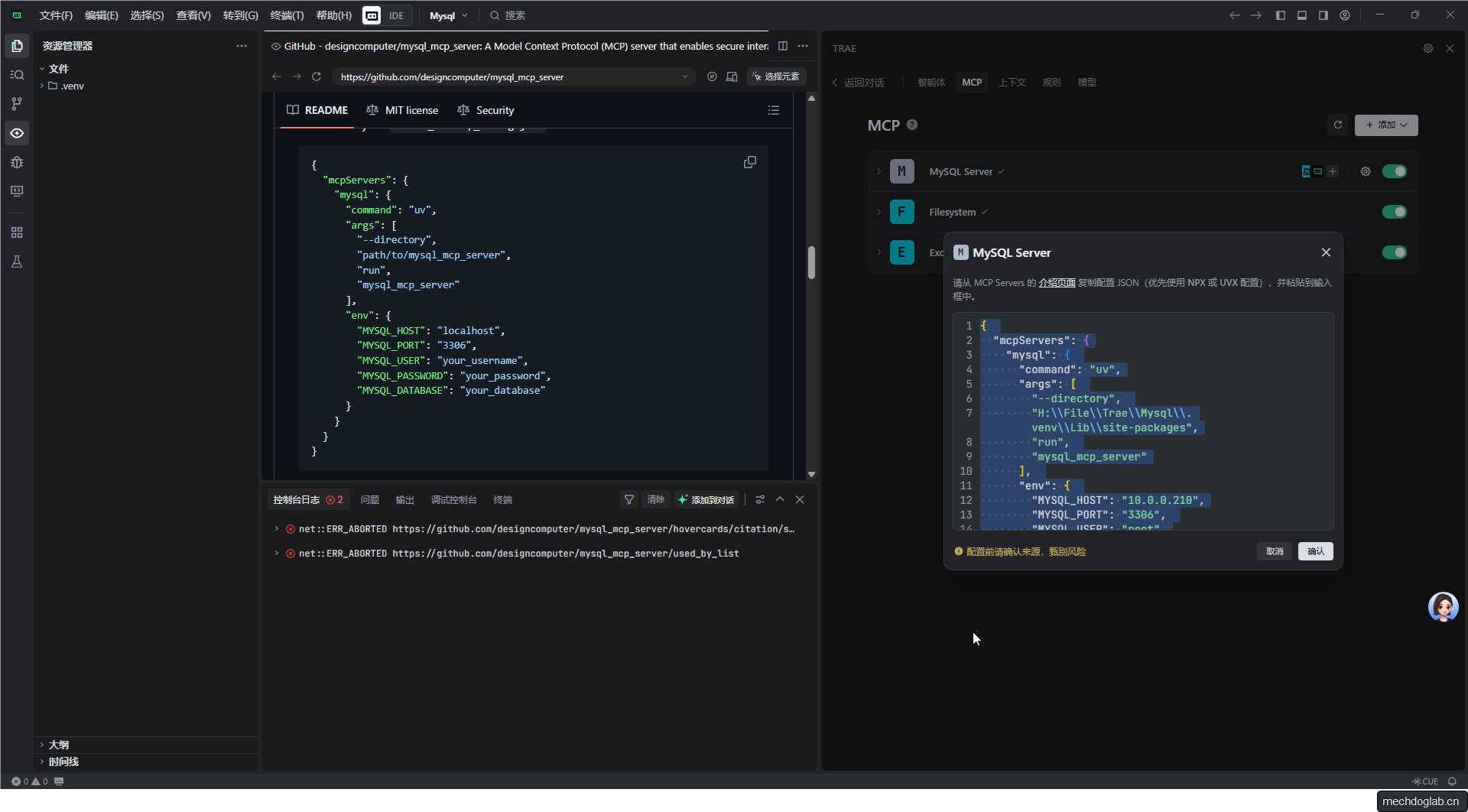
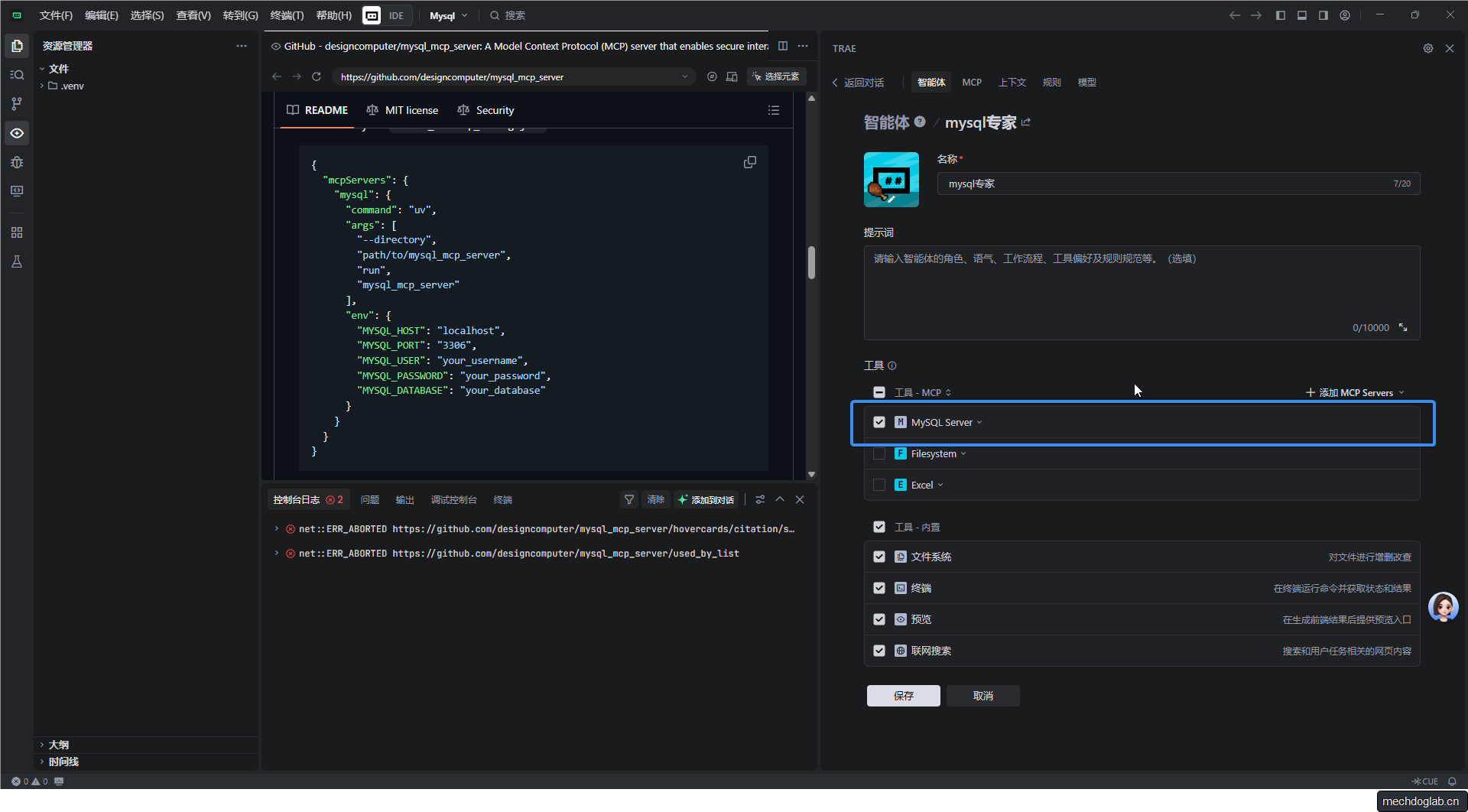
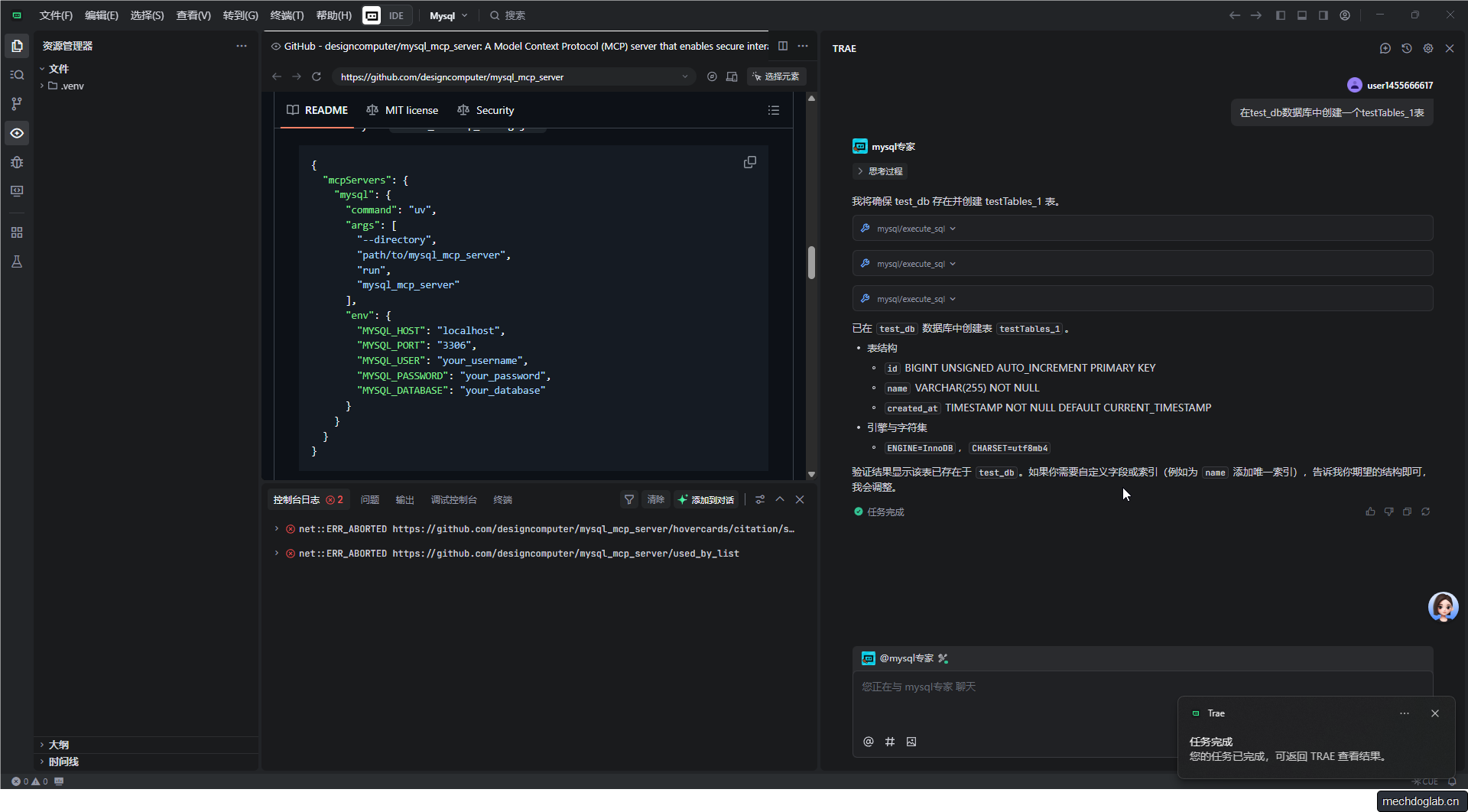
# 进入容器操作 MySQLdocker exec -it mysql-test mysql -u root -p输入密码test123456,即可进入 MySQL 命令行。# 查看数据库mysql> SHOW DATABASES;+--------------------+| Database |+--------------------+| information_schema || mysql || performance_schema || sys || test_db |+--------------------+5 rows in set (0.00 sec)# 选择数据库mysql> use test_dbDatabase changed# 查看test_db中的数据表mysql> SHOW TABLES FROM `test_db`;
mysql> SHOW TABLES FROM `test_db`;+-------------------+| Tables_in_test_db |+-------------------+| testT1 || testT2 || testTables_1 |+-------------------+3 rows in set (0.00 sec)